All guides

Purchase Event

Every tracking guide tagged Purchase Event.

  • 2Guides
  • 2Video walkthroughs
  • 7Topics

2 guides

  • Video

    WooCommerce

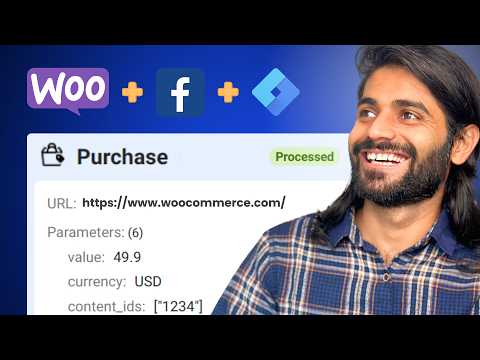
    WooCommerce Facebook Pixel: Track Purchase Event using DataLayer & Google Tag Manager

    Learn how to configure the Facebook Pixel Purchase event on your WooCommerce store using Google Tag Manager. This comprehensive guide covers setting up Google Tag Manager, adding the necessary data layers, and ensuring accurate event tracking for better Facebook Ads targeting.

    • facebook pixel
    • Google Tag Manager
    • WooCommerce
    • +1

    5 min read

Get new guides by email

Subscribe to new guides

Use your business email and first and last name. We email you when a new guide is published.

Free to subscribe

By subscribing you agree to our Privacy Policy.

Set up in about 5 minutes. Events in Events Manager within about 30.

~5 min setupwithin ~30 min
Setting up
  • 7-day free trialon every eligible domain, one per domain
  • $297/moper subdomain
  • We set up the first domain with youfounder included
  • 30-day money-back guaranteeand cancel any time in the trial
  • We keep working with youuntil it is fixed

Payment method required at checkout. One trial per domain. The 30 minutes start once tracking is installed and events fire; it is visibility in Events Manager, not same-day ROAS.