All guides

Purchase

Every tracking guide tagged Purchase.

  • 10Guides
  • 9Video walkthroughs
  • 18Topics

10 guides

  • Video

    WooCommerce

    WooCommerce Ga4: Purchase Enhanced Ecommerce Event using GTM and DataLayer (Part 5/5)

    Setting up a purchase event tracking on your WooCommerce store can significantly enhance your ability to analyze customer behavior and boost your marketing strategies. This guide will walk you through configuring a purchase event using Google Tag Manager (GTM) and Google Analytics (GA).

    • Google Analytics 4
    • WooCommerce
    • WordPress
    • +2

    2 min read

  • Video

    Google Ads

    Google Ads Purchase Event Conversion Tracking on Shopify using Google Tag Manager

    In today's video, we're diving deep into setting up e-commerce Purchase conversion tracking using Google Ads and Google Tag Manager (GTM) on your Shopify store! 🛒💻 From adding GTM container snippets to your Shopify theme to creating custom conversion actions in Google Ads, we've covered it all. We begin by ensuring our GTM container is properly firing across Shopify pages, including the crucial 'Thank You' page. Then, we move on to the nitty-gritty of configuring conversion tracking in your Google Ads account and setting up the necessary data layers for tracking purchase events. Whether you're a seasoned pro or just starting out, this step-by-step guide is designed to help you optimize your e-commerce tracking for better performance and insights.

    • Google Ads
    • Shopify
    • Google Ads Conversion Tracking
    • +2

    5 min read

  • Video

    Google Ads

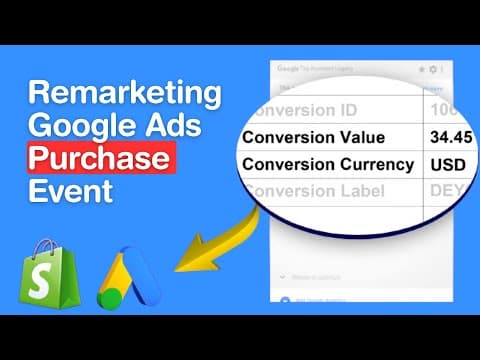
    Google Ads Remarking: Purchase Event Tracking on Shopify using Google Tag Manager

    Discover how to supercharge your Shopify store with Google Ads Remarketing Tags for Purchase Event in shopify using Google Tag Manager. In this comprehensive tutorial, we delve into setting up dynamic remarketing tags for your Shopify store, specifically focusing on the crucial purchase event. Learn step-by-step how to embed the tracking script, test your setup, and ensure your ads are perfectly targeted.

    • Google Ads
    • Shopify
    • Google Ads Remarketing Tracking
    • +2

    4 min read

  • Video

    TikTok

    Optimizing Shopify Sales: Mastering Purchase Event Tracking with TikTok Pixel and Google Tag Manager

    Discover the key strategies for proficiently tracking Purchase events in Shopify using Google Tag Manager, a crucial tactic for any online retailer aiming to enhance their e-commerce platform. This insightful blog post delves deep into the nuances of Purchase event tracking, offering essential tips for leveraging TikTok Pixel to gain a comprehensive understanding of customer purchase patterns. Learn how to effectively capture and analyze these pivotal moments in the customer journey, ultimately driving sales growth and refining your targeted marketing approaches.

    • Purchase
    • Google Tag Manager
    • TikTok Pixel

    8 min read

  • Video

    Shopify

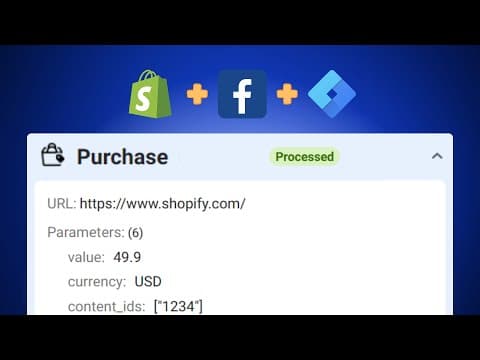
    Facebook Pixel Setup for Your Shopify Store

    Welcome to our comprehensive guide on configuring the Facebook Pixel for your Shopify store. This easy-to-follow tutorial is designed to help you track key events like PageViews, ContentViews, AddToCart, BeginCheckout, and Purchase across your sales funnels with a simple one-click solution.

    • facebook pixel
    • Shopify
    • Add To Cart
    • +4

    2 min read

  • Video

    Shopify

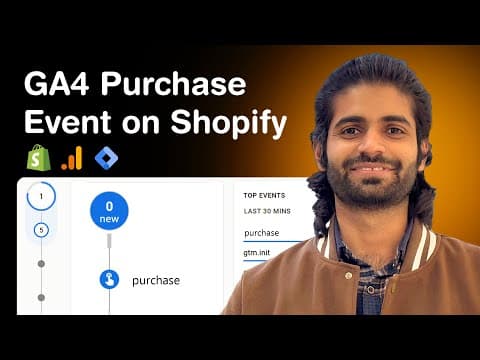
    GA4 Purchase Event on Shopify using Google Tag Manager

    The 'purchase' event in GA4 is a pivotal data point. It's the culmination of a user's journey from a potential visitor to a confirmed buyer. Tracking this on your Shopify store provides invaluable insights, helping optimize your marketing strategies, improve your ROI, and enhance the overall user experience.

    • Google Analytics
    • Shopify
    • Google Tag Manager
    • +1

    6 min read

Get new guides by email

Subscribe to new guides

Use your business email and first and last name. We email you when a new guide is published.

Free to subscribe

By subscribing you agree to our Privacy Policy.

Set up in about 5 minutes. Events in Events Manager within about 30.

~5 min setupwithin ~30 min
Setting up
  • 7-day free trialon every eligible domain, one per domain
  • $297/moper subdomain
  • We set up the first domain with youfounder included
  • 30-day money-back guaranteeand cancel any time in the trial
  • We keep working with youuntil it is fixed

Payment method required at checkout. One trial per domain. The 30 minutes start once tracking is installed and events fire; it is visibility in Events Manager, not same-day ROAS.