How to connect Pinterest to your website in Crisper
Add a Pinterest advertiser connection, attach it to your website and check an actual event in Logs. Saving the form does not verify delivery.

Shahzada Ali Hassan, founder of Crisperchecked against 2 sources
The short answer
Connect Pinterest with an advertiser ID and API access token, attach it to your website, then inspect an actual event in Logs. A saved connection is a setup step, not a delivery or attribution result. This guide shows where to enter the details and what to check next.
- One Pinterest connection per website.
- Server-side setup; no Pinterest browser tag is installed by this form.
- Connection controls checked against the live app and source on 8 November 2026.
FREE AUDIT
NO LOGINCheck what Meta and Google can count on your site
- Your site
 Crisper
- Meta and Google count it
Enter your website to see how good its tracking is, and whether Meta is likely restricting it.
01How can you connect Pinterest to your website?
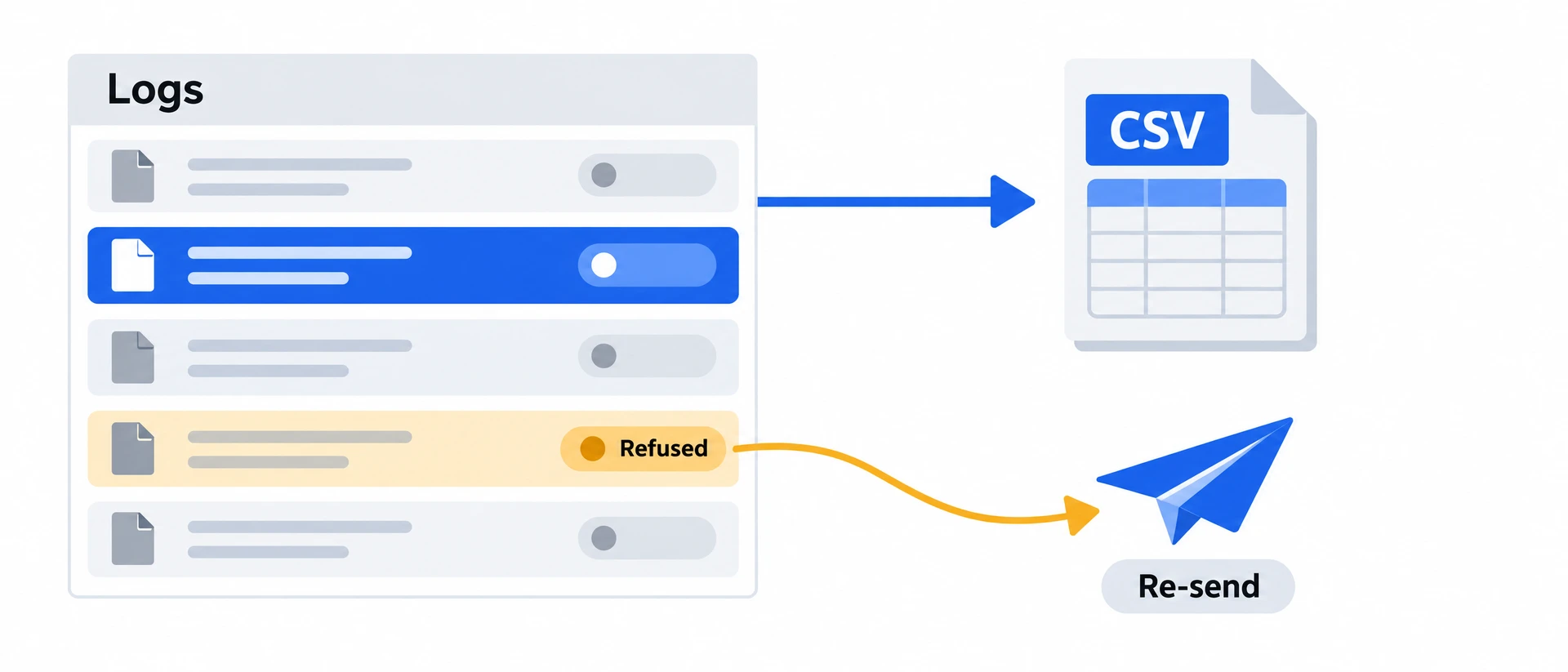
You can now add Pinterest in Crisper using your advertiser ID and API access token, then attach the connection to a tracked website. Use Logs to inspect an actual event after setup. Saving the connection is not proof that Pinterest received it or attributed a sale.
Where can you find it?
Where to find it: Dashboard → Integrations → Add Integration → Pinterest. Enter an optional name, your advertiser ID and API access token.
When to use it: When you already run Pinterest ads and want to connect that advertiser to a website you track with Crisper.
How does it work?
Crisper stores an organization-scoped integration that you attach to a website. Each website can use one Pinterest connection. The setup is server-side; it does not install a Pinterest browser tag.
What should you keep in mind?
Real Pinterest delivery has not yet been verified for this new connection flow. Check your first event in Logs and inspect its response before treating setup as working. A platform receipt and a sale credited to an ad are different results.
What should you do next?
Open the conversion Logs guide, or use the Pinterest UTM guide when you need campaign labels on visits.
02What do you need before connecting?
You need a website already added to Crisper, a Pinterest advertiser ID and an API access token for that advertiser. Use the values from the advertiser you intend to connect. Open Pinterest Adsads.pinterest.com to confirm the advertiser, and consult the Pinterest developer documentationdevelopers.pinterest.com for its API access requirements. Do not paste credentials into a support message or public screenshot.
03How do you connect and check it?
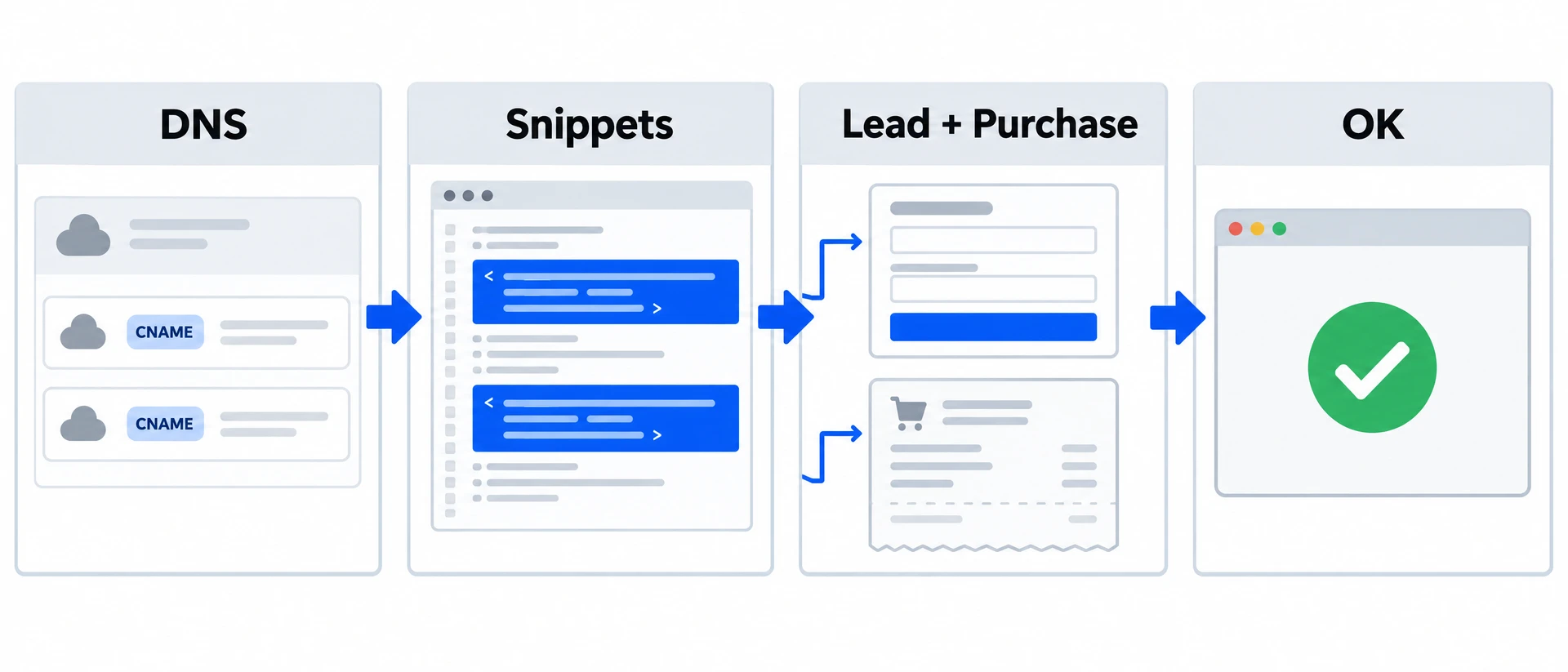
- Open Integrations, choose Add Integration and select Pinterest.
- Enter the advertiser ID and API access token. Add a name if it helps you recognize the connection.
- Save the integration, then open your website’s Integrations tab and attach it.
- Complete a genuine test action on the website, then open Logs and inspect the event and its Pinterest response.
Done when: the intended website has the Pinterest connection and you have checked an actual event’s response. If no event appears, check that the website sends that action before changing the connection.
04What does this setup leave unverified?
The form does not prove that the token will be accepted, that every website event will reach Pinterest, or that Pinterest will credit a conversion to an ad. We have not yet verified a real Pinterest delivery through this new connection flow. Treat the first response as a required check, and keep browser tagging and campaign URL labeling separate from this server connection.
If the website already has a Pinterest connection, edit it or disconnect it before assigning another. Other websites can each have their own connection.
05What should you do after setup?
Use Logs to investigate the event you tested. Use Pinterest UTM parameters for visit labels; UTMs do not verify server-event delivery. If the website does not yet send the action, follow the custom-site checklist.
06What changed in this guide
- 9 November 2026: Published the Pinterest connection walkthrough and its delivery-verification limits.